|
Lessons |
Projects, Slides, & Videos
|
-
Lesson 1
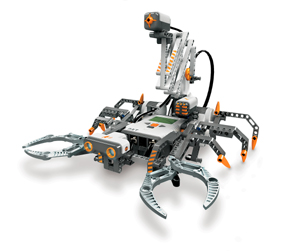
Introduction to Robotics
|
-
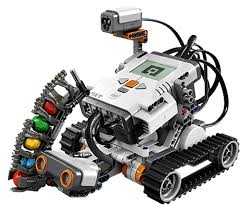
Learning about
robotics & the
NXT
-
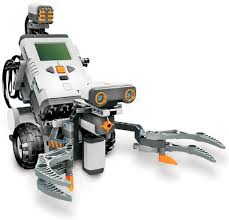
Robotic Design Options
|
-
Lesson 2
Introduction To the Lego Programming Editor
|
Thinking as a programmer...
Ideas about how to "talk" to a machine
Learning about the Lego Editor
Video 2
|
-
Lesson 3
Making Turns & Avoiding Obstacles
|
-
Making controlled Turns
& Controlling Speed
-
Challenge
#1: Hill Climb
Video
Your bot must go up my ramp, turn
around at the blue line, and come back down without
crashing!
-
Challenge
#2: Trap Door
Video
Your bot must
go through the tunnel box when the door is open and make one
loop around the outside of the box and stop back where it
started. I want you to use some Motor Blocks in your program.
You can use Move blocks also.
|
-
Lesson
4
All About Sensors
|
-
Activity: Test your sensors.
Use the NXT
View Me program to test your sensors.
|
-
Lesson 5
Using Loop Blocks & Wait blocks
|
- More Programming Concepts: Introduction to Loops
|
-
Lesson 6
Decision Structures: Switch Blocks
Chapter 12
|
-
Making
Decisions
-
Introduction to
the Switch Block
Video
- Programming with the Switch
block:
A
Simple Switch example
Switch inside a loop
"TouchNSee" (Two switches manage sonar &
touch sensors)
Get all three switch programs
here.
-
Making Multiple Decisions
Using Cascading
Switches
Video
-
Challenge
#4: Watch Out!
Build a bot to
move around the room without crashing into
anything. It must run for 3 minutes. (Sonar sensor detects objects 0-255 cm or about 8
feet within 1.5")
-
Challenge
#5: Adaptive Cruise Control
Make your robot run
the track around the classroom without runining
into the "car" in front. It needs to be able to
stop for obstacles and then go again! Watch out
for trains!!!
|
-
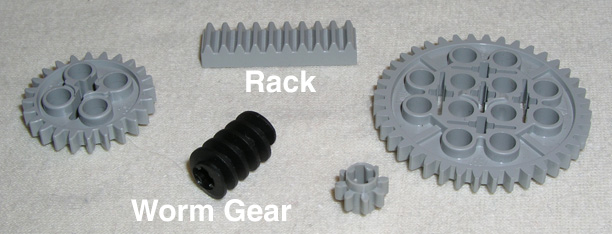
Lesson 7
Working
with Gearing

|
-
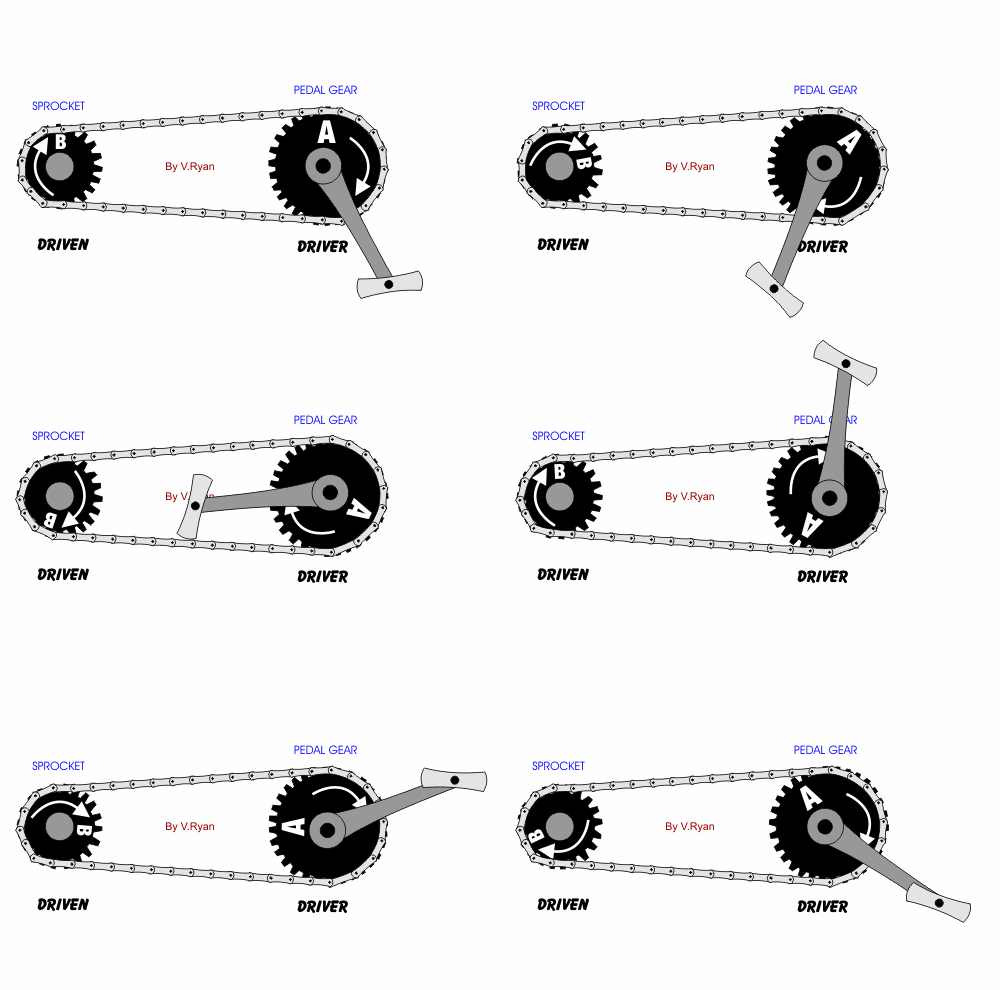
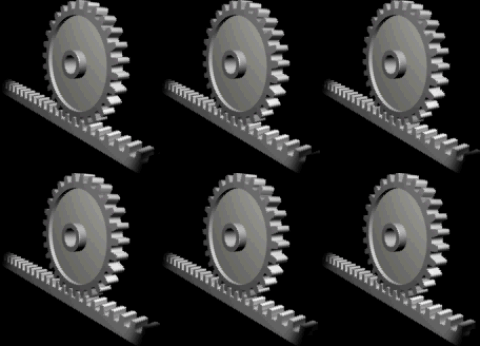
Overview of Gears
-
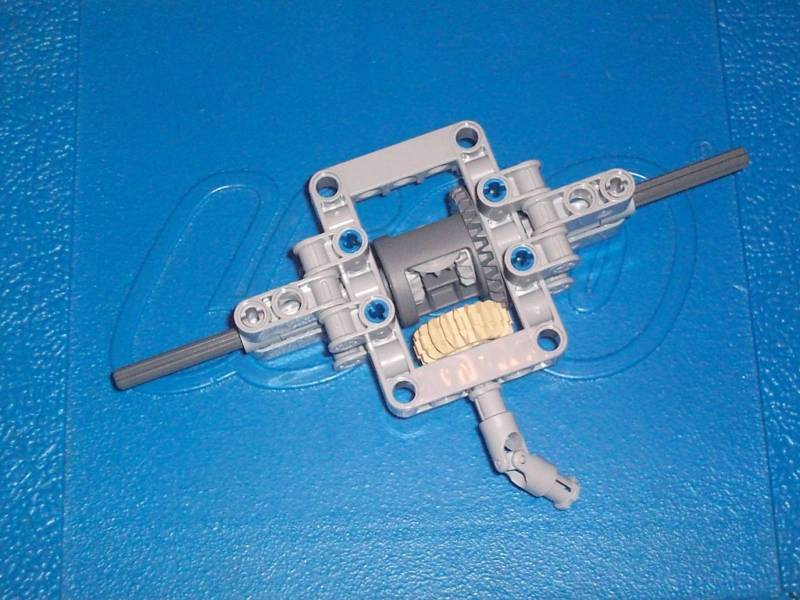
Differentials &
Transmissions
- For our class,
ratio = driver/driven
-
Construction plans
for adding gears
|
|
|
-
Working
with Data
Hubs
Video
-
Project
pack
includes:
-
Real-Time sensor
monitoring
-
Control speed via
sound level
Random start-up speed
|
-
Lesson 9
Using Memory: The
Variables and Display Blocks
|
-
Displaying
Stuff
Using the
Display Block Controls
Video
-
Working
with NXT-G Variables
Video
-
Creating and saving one
variable (Tunnel
Runner 1)
-
Creating and saving two
variables
(Tunnel Runner 2)
|
-
Lesson 10
Calculating
Results: The Math block
|
|
-
Lesson 11
Logical
Loops:Compare Block
|
|
-
Lesson 12
Custom Code: My
Blocks, Constants, and File I/O
|
|
|
|
|
|
|
|
|
|
*The NXT videos were developed by
Dale Yocum, Head Robotics Coach at Catlin Gabel
School in Portland, Oregon. The exercise animations
are provided courtesy of Skye Sweeney. This version
of the tutorial may be freely distributed and used
for noncommercial purposes. |
|
 Too
cool! Too
cool!
RPKessler@hotmail.com
Copyright © 1999-2015 Ronald P. Kessler, Ph.D.
All rights reserved.
Revised:
Aug. 23, 2015
These materials are provided
for the exclusive use of my students. Please contact me for
permission to reproduce or use these presentations. |